Ainex Vision Navigation
Humanoid demo • Vision → decision → one ROS motion primitive (safety-first)
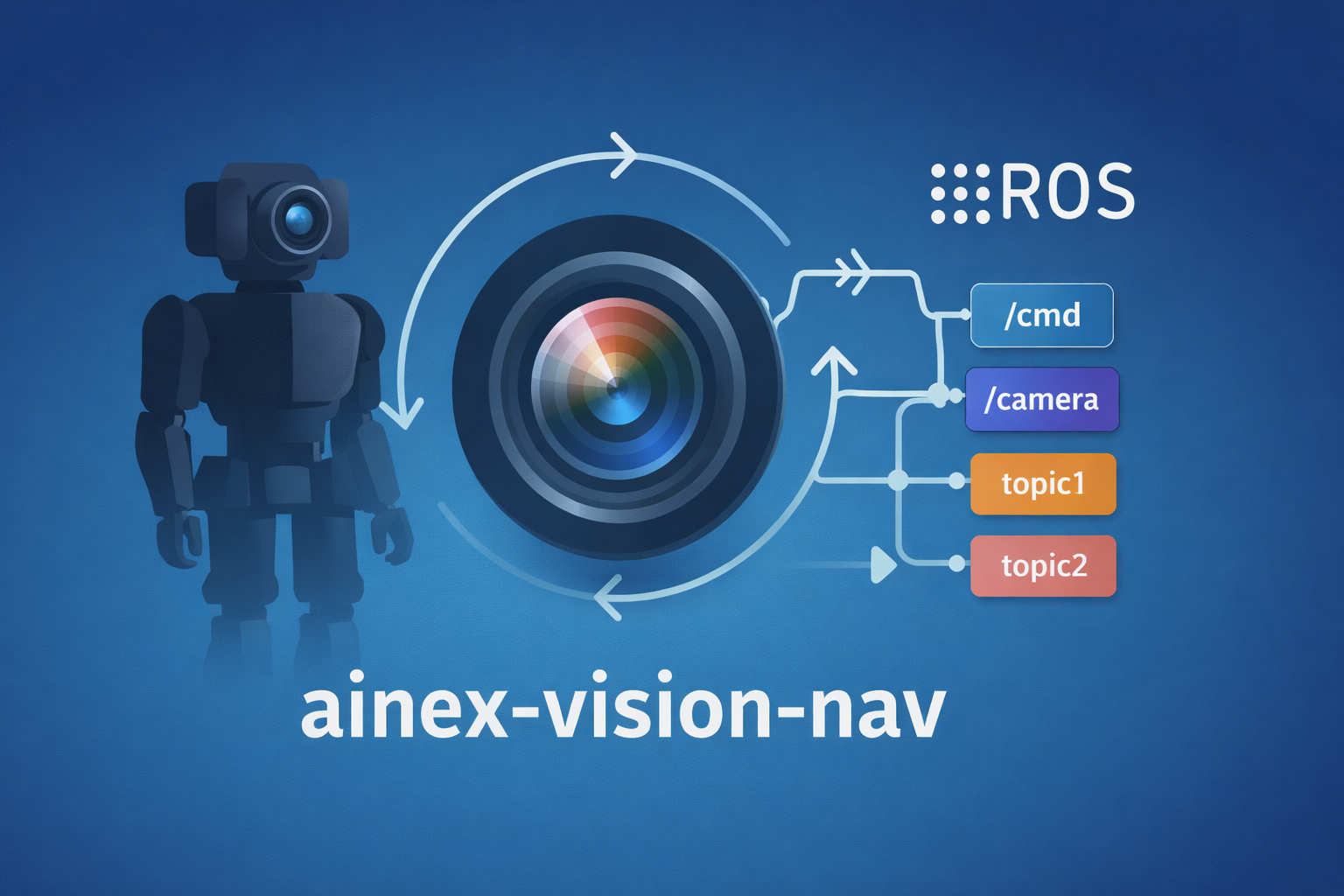
I built a safety-first navigation demo for an Ainex humanoid where the robot captures a camera frame, sends it to a vision-language decision module, then executes one small, controlled motion primitive (forward/turn/stop) via ROS. The point is to separate responsibilities: the AI makes high-level decisions; the robot controller keeps motion stable.
TL;DR
Camera snapshot → VLM decision JSON → exactly one ROS motion primitive. Conservative defaults, predictable behavior, easier debugging.
My role
Designed the closed-loop decision loop and safety constraints (single-step execution + STOP fallbacks), integrated ROS motion primitives, and built test tooling for camera capture + command execution.
Tech
Links
Overview
This project explores vision-based navigation for an Ainex humanoid robot using ROS (Noetic). The robot captures images onboard, sends them to a vision-language decision module, then executes one safe, discrete motion primitive at a time. The result is a full autonomy loop — see → decide → move → see again — with optional user prompts at ambiguous intersections. Conducted as research under Professor Myung (Michael) Cho.
Workflow
- Capture: Save a reliable frame from
/camera/image_rect_color(with fallbacks if needed). - Decide: Model returns a strict JSON action from a constrained action set.
- Execute: Run one motion primitive through the Ainex walking stack (ROS topic/service).
- Repeat: Loop until STOP, or ask user for input at uncertain junctions.
Constrained action set
MOVE_FORWARD_SHORTTURN_LEFT_90TURN_RIGHT_90STOPASK_USER("Left or right?")
Design principles
- The “brain” makes high-level decisions only.
- Low-level walking stability remains inside the existing Ainex controller.
- Default behavior is conservative: when uncertain → STOP or ASK_USER.
What I implemented
- Motion primitives as scripts: single-purpose commands (forward step, 90° turns, stop).
- Reliable camera capture: scripts to create a consistent capture image.
- Decision module: strict JSON parsing + defensive fallbacks to STOP + env-based config (model, tokens, temperature).
- Demo modes: single-step, closed-loop loop, and
DRY_RUNto test decisions without moving hardware.
Results / demo behavior
- Capture frames and perform inference
- Select a discrete action from a constrained action set
- Execute a safe step and re-evaluate the environment
- Support human-in-the-loop navigation: at uncertain junctions, ask for user input rather than guessing
Key challenges (and what I learned)
- ROS environment issues: mismatched ROS_MASTER_URI, missing nodes, unreachable services → learned fast debugging patterns for ROS networks and startup order.
- Walking drift / curvature: small gait asymmetries cause arc turns → learned to isolate decision vs execution vs gait tuning.
- Reliability beats cleverness: the best demo is the one that runs 20 times in a row.
Tech stack
- ROS Noetic
- Ainex walking stack (topics/services)
- Python (decision loop + client integration)
- Bash scripts (motion/capture primitives)
- Windows dev workflow (GitHub app + sync scripts to robot)
Media
Safety considerations
- Single-step execution (no continuous uncontrolled walking)
- Conservative defaults: STOP if parsing fails or confidence is low
- Optional user confirmation at ambiguous scenes
- Clear separation between decision and actuation layers
Future work
- Run the “brain” locally on-device (replace API calls with an onboard model)
- Improve gait stability and reduce drift (calibration + parameter tuning + feedback)
- Add simple state (e.g., avoid repeating the same turn immediately)
- Add basic obstacle safety checks (e-stop, distance thresholds, or vision heuristics)
Repository
Explore the code on GitHub: Ainex Vision Navigation